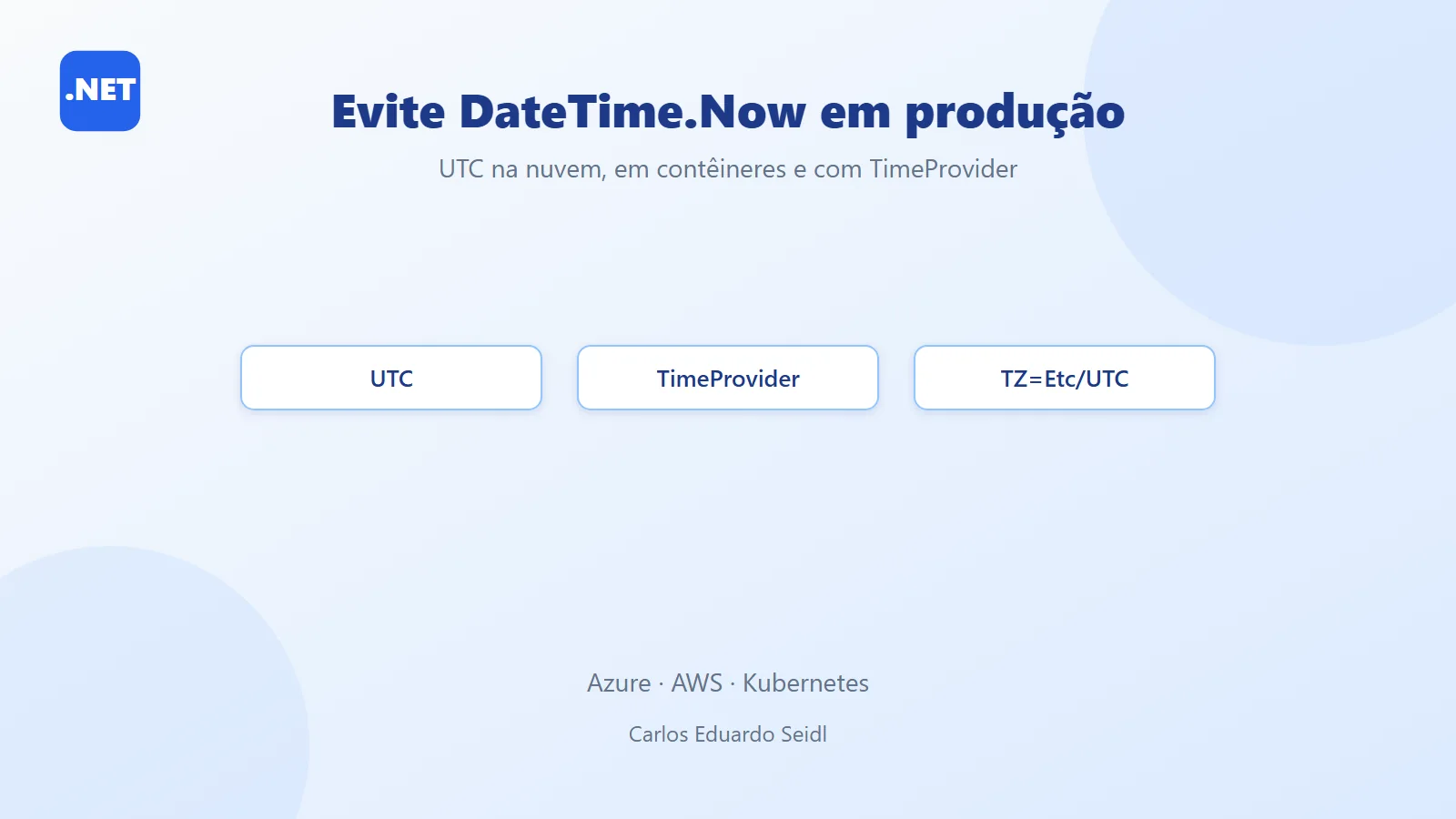
Project source: https://github.com/ceseidl/dotnet10-utc-docker
Why you should avoid DateTime.Now in distributed systems
In distributed systems, especially those hosted in the cloud (Azure/AWS) and running in containers, using DateTime.Now may seem harmless — but it’s a trap. It depends on the server’s local time zone, which causes inconsistencies between instances, problems with daylight saving time (DST), and makes testing harder.
⚠️ The problem with DateTime.Now
- Dependence on the server’s local time
If the server is set to a different time zone than you expect, your data can become inconsistent. - Environments with multiple time zones
Global apps (users in several countries) suffer when each server uses a different local time. - Daylight saving time (DST) changes
When the clock changes, calculations based on DateTime.Now can produce incorrect results. - Complicated testing and debugging
Simulating scenarios with different time zones becomes a nightmare.
Real-world example
A payments system with users in India, the United Arab Emirates, and the US showed out-of-order transactions because servers (or replicas) were recording events with different local times.
Watch the video

The solution: using UTC end to end in .NET
Store in UTC. Display in Local.
- Use
DateTime.UtcNoworTimeProvider.GetUtcNow()in your code. - Database and events always in UTC.
- Convert to local time only in the UI (browser/app).
- Configure the container with
TZ=Etc/UTCandtzdata.
DateTime.Now in the cloud (Azure/AWS) and in containers
Architectures on Azure and AWS with AKS/EKS and ACA/ECS/Fargate scale horizontally; replicas may run in different regions. If each instance uses local time, inconsistencies appear. Therefore:
- Standardize TZ in the container:
ENV TZ=Etc/UTC+ installingtzdata(when needed). - Apply UTC in code: never depend on
DateTime.Now. - Logs and metrics: always in UTC; convert only at display time (dashboards).
- Messaging (ASB/SQS/Kinesis): stamp events in UTC.
Recommended architecture for working with UTC
- Client (Web/Mobile): displays the user’s local time.
- .NET 10 API (pods/containers): runs with
TZ=Etc/UTC, usesTimeProvider/UtcNow. - Services (Azure/AWS): messaging, databases, and observability in UTC.
- Rule: Store in UTC. Display in Local. Tests with TimeProvider/FakeTimeProvider.
Example project structure using TimeProvider
Highlights:
src/ApiUtc/→ Minimal API with TimeProvider.Dockerfile/Dockerfile.alpine→ Ubuntu/Alpine withTZ=Etc/UTC.docker-compose.yml→ Port 8080 + healthcheck.k8s/deployment.yml→ AKS/EKS with a standardized TZ..github/workflows/ci.yml→ CI/CD (.NET 10 build + push to GHCR viaGITHUB_TOKEN).README.md→ article + diagram + references.
Project code: Minimal API, Dockerfile and CI
1) src/ApiUtc/ApiUtc.csproj (targets .NET 10)
2) src/ApiUtc/Program.cs (Minimal API + TimeProvider)
Note: with top‑level statements, type declarations must come after them.
3) Dockerfile (Ubuntu 24.04 “Noble” + TZ=Etc/UTC)
4) Dockerfile.alpine (Alpine + TZ=Etc/UTC)
5) docker-compose.yml
6) k8s/deployment.yml (AKS/EKS)
7) .github/workflows/ci.yml (Option A — GHCR with GITHUB_TOKEN)
Key points for avoiding DateTime.Now in distributed environments
- Standardize TZ in the container:
ENV TZ=Etc/UTC+tzdata. - Apply UTC in code:
DateTime.UtcNow,DateTimeOffset(explicit offset), and NodaTime for complex rules. - Messaging and jobs: timestamps always in UTC.
- Observability: logs/metrics/traces in UTC (enrich with
X-User-Timezonefor dashboards). - Local conversion only in the UI: get the user’s time zone and convert on the front end.
How to run the example with Docker and Kubernetes
Docker (Ubuntu/Alpine)
Kubernetes (AKS/EKS)
GHCR (after CI)
Quick references on .NET 10, containers and TimeProvider
- .NET 10 released at .NET Conf 2025:
.NET Blog Recap · .NET Conf 2025 Announcements - .NET 10 containers (tags/OS):
.NET Docker — 10.0 GA Images - Default port 8080 in ASP.NET containers:
Microsoft Artifact Registry — ASP.NET - TimeProvider (time abstraction):
Microsoft Learn - NodaTime (time zones):
NodaTime.org - Official images and best practices:
Microsoft Learn — Official .NET Docker images
Summary: why adopt UTC and avoid DateTime.Now
Avoiding DateTime.Now is essential for global and distributed systems.
Adopting UTC in code, containers, and infrastructure prevents bugs, simplifies testing, and ensures consistency.
Keep reading
- .NET 10 and C# 14: an overview of .NET 10, the version used in the TimeProvider example.
- .NET 10 + Kubernetes: deploys the .NET API on Kubernetes with probes, a lean image and shutdown.
- Fault Tolerance vs Resilience in .NET: covers timeout, retry and circuit breaker for failures in distributed systems.
Want an architecture review of your .NET backend? See the backend and .NET architecture service.